Tasnet Link
 Tasnet Link
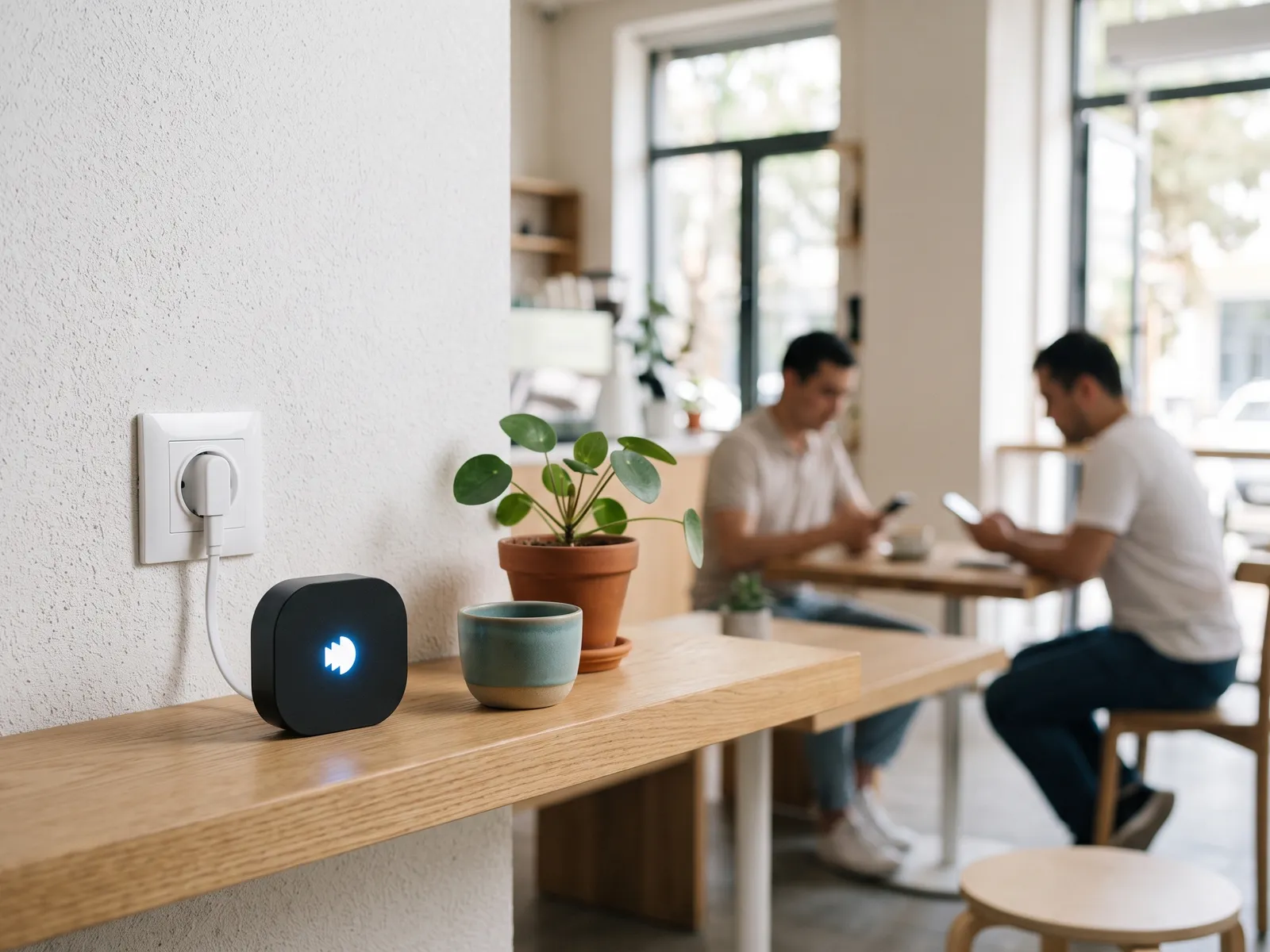
Guest Wi-Fi from a power socket.
A small box that turns the internet you already have into a guest network with your sign-in page. No router settings, no cables, no technician.
- router settings to change
- 0
- router settings to change
- socket is all it needs
- 1
- socket is all it needs
- status in your dashboard
- 24/7
- status in your dashboard
Set-up
Three steps. None of them technical.
Plug it in
Any socket within reach of your Wi-Fi. The light shows it’s ready.
Give it your Wi-Fi
Tell Link your network name and password once. It uses that connection to reach the internet.
Guests connect
Link broadcasts its own open network. Guests see your sign-in page, confirm their number and they’re online.
Security
Guests never see your own network.
Link keeps guests on a separate network. Until a guest signs in, only the sign-in page is reachable; after that — the internet, but never your till, cameras or office computers.
Separate guest network
Your staff Wi-Fi and its password stay private.
Nothing opens before sign-in
The sign-in page loads by itself; everything else is closed until the guest is confirmed.
Sessions end on time
When the session runs out, access closes and the guest signs in again.
- Till
- Cameras
- Office
Sign-in page first
Managed from Tasnet Cloud
Everything Cloud does, without the router work.
Link is a Tasnet hotspot like any other: the same sign-in methods, ads, surveys, limits and reports. Change the page in the dashboard and it’s live on Link at once.
Welcome to
Bloom Coffee
Free Wi-Fi for our guests
Phone number
or
Who it’s for
Made for small venues.
Cafés, beauty salons, shops, pharmacies, clinics and offices — places with an internet line but nobody to configure a hotspot. For a large hall or a chain with its own network team, Tasnet Connect and your own equipment are the better fit.
- Cafés
- Salons
- Shops
- Pharmacies
- Clinics
- Offices
Questions about Link
No. Link uses your existing Wi-Fi to get online and creates a separate network for guests.
Let’s set up your Wi-Fi.
Tell us about your venue. We’ll reply within one business day with a plan and a price.